
Virtual servers by region and operating system
VPS Hosting by Region and Operating System
Choose VPS hosting by first selecting the region, then the operating system and plan path. ServerBike routes you to regional Linux and Windows VPS pages so you can compare the approved details before ordering.
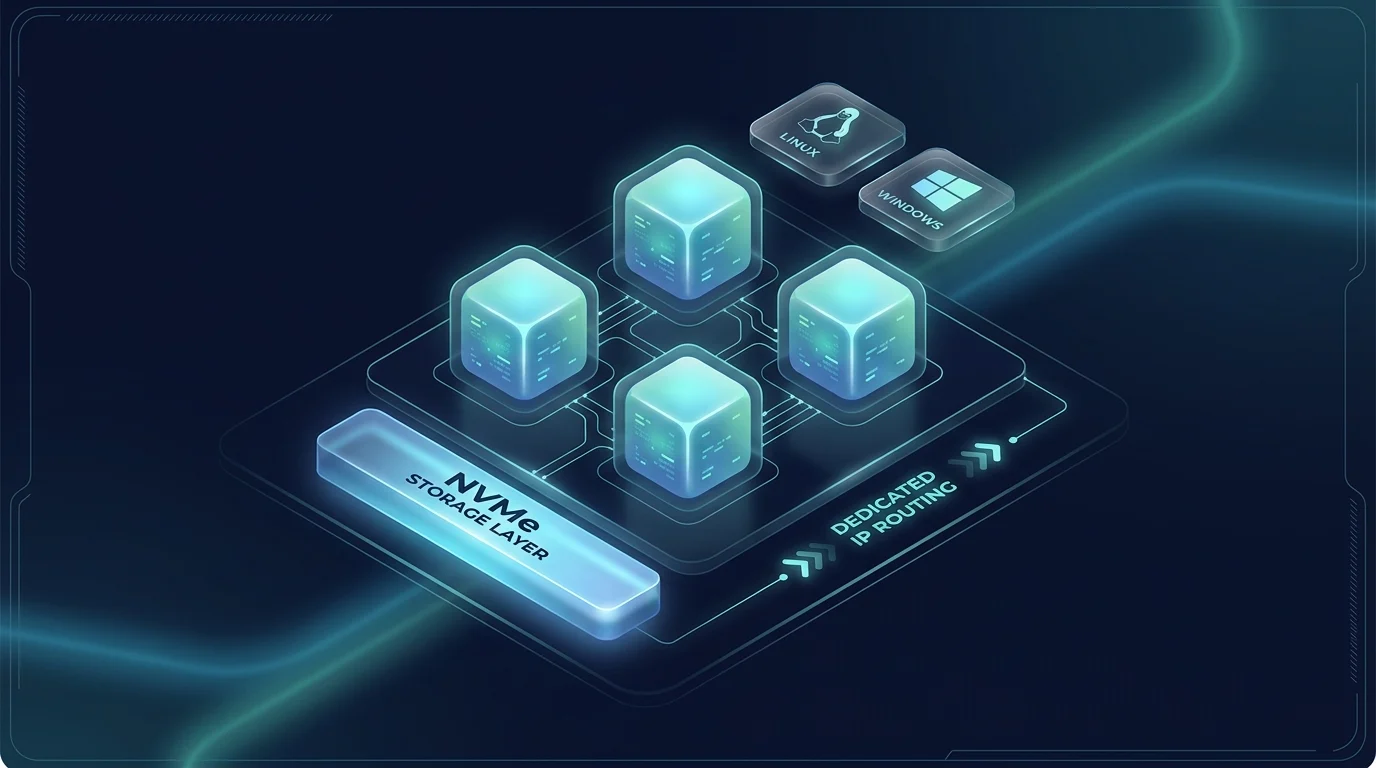
VPS Hosting by Region
Select a region below to review our local VPS hosting options and compare specific Linux and Windows plans.
Turkey VPS
Turkey VPS plans for regional virtual server deployments with Linux or Windows hosting paths.
Netherlands VPS
Netherlands VPS plans for European virtual server deployments and OS-specific server planning.
USA VPS
USA VPS plans for North American virtual server workloads with Linux and Windows options.
UK VPS
UK VPS plans for workloads that need a United Kingdom VPS path and OS-specific setup.
France VPS
France VPS plans for Western European virtual server deployments with Linux and Windows planning paths.
Germany VPS
Germany VPS plans for Central European virtual server deployments with Linux and Windows options.
Linux VPS or Windows VPS
Choose the operating system environment based on your software, licensing, and management needs.
When selecting your preferred VPS hosting environment, the operating system is a primary architectural decision that determines your administration tools, software compatibility, and licensing requirements. At ServerBike, we offer region-specific virtual servers optimized for either Linux-based command-line environments or Windows Server GUI-based setups. For operating-system planning, you can also review the official Ubuntu Server documentation and Microsoft Windows Server documentation before choosing a Linux VPS or Windows VPS path.
Linux VPS Hosting: Linux virtual private servers are the industry standard for hosting web services, application interfaces, and containerized environments. Administered primarily via Secure Shell (SSH), Linux distributions such as Ubuntu, Debian, CentOS, and AlmaLinux offer a lightweight footprint with minimal operating system overhead. They are ideal for hosting open-source stacks (such as Nginx, Apache, PHP, Node.js, and Python), relational or non-relational databases (MySQL, PostgreSQL, Redis), and modern DevOps tools. Because Linux is open-source, these configurations do not incur additional OS licensing fees, making them highly cost-effective. Select a regional option to compare configurations: Turkey Linux VPS, USA Linux VPS, UK Linux VPS, Netherlands Linux VPS, Germany Linux VPS, or France Linux VPS.
Windows VPS Hosting: Windows virtual private servers are designed for workloads that depend on the Microsoft ecosystem. Access is managed via Remote Desktop Protocol (RDP), providing a full graphical user interface (GUI) that simplifies administration for users who prefer not to use command-line terminals. Windows VPS environments are necessary for running Windows Server-native technologies, including Active Directory, Internet Information Services (IIS), the legacy .NET Framework, Microsoft SQL Server (MSSQL), and proprietary desktop-based automation or accounting tools. Windows licensing is not included. Upfront payment, verification of eligible BYOL rights and manual approval are required before provisioning. Before purchasing, verify availability and terms in your selected region: Turkey Windows VPS, USA Windows VPS, UK Windows VPS, Netherlands Windows VPS, Germany Windows VPS, or France Windows VPS.
Important Note: Do not assume that every operating system image, version, or licensing model is available in every geographic location. Check the individual location pages for the exact list of supported distributions and license options before initiating an order.
Linux VPS Paths
Select a region-specific Linux VPS configuration. Linux distributions are ideal for command-line administration, web applications, APIs, and private infrastructure.
Windows VPS Paths
Select a region-specific Windows VPS configuration. Windows Server options are available for Remote Desktop (RDP) access and compatible application workflows.
Managed Scope Enquiry
If your workload requires system assistance, migration planning or a managed service scope, contact sales to confirm the requirement in writing.
Contact SalesWhat to compare before choosing a VPS plan
To select the right virtual private server configuration, buyers should inspect the plan-specific resources and commercial terms.
For both Linux and Windows VPS, compare the selected region and tier with your application requirements. Review these general dimensions before ordering:
- CPU/vCPU: Compare the allocated virtual CPU count with your workload requirements; it is not a count of dedicated physical cores.
- RAM: Allow enough memory for the operating system and the applications that run together.
- Storage: Check capacity and the exact SSD or NVMe class on the selected regional plan; a storage label alone is not a performance guarantee.
- Traffic and bandwidth: Review the selected plan's monthly transfer policy and shared port limits rather than assuming every country or OS has the same terms.
- IP allocation: Check the included dedicated IPv4 and individual IPv6 allocation. Confirm extra IP addresses, subnet or custom routing requirements separately.
- Upgrade, rebuild and migration: Confirm the supported process, downtime and data-preservation requirements before relying on a future resource change or OS rebuild.
Regional services differ: use the exact product specifications and terms before payment. For custom networks, BGP, additional IPs, migrations or managed-service needs, contact ServerBike sales for a confirmed scope.
Linux VPS requirements: choose resources for your application
First confirm that your application, dependencies and required distribution version support Linux, and check the actual image choices before ordering. Windows-only software needs a separate review. This guide compares Linux resources; it does not promise a visitor count or application capacity.
Build a total resource budget
- Working memory and headroom: Add the OS, application processes, database working memory, caches and background tasks that may run together. Use software requirements and representative peak measurements, then allow headroom for bursts, deployments and growth. A development server can have demanding builds even with few users; there is no universal RAM allowance for Docker or WordPress.
- CPU workload: Consider sustained versus occasional work and whether the application uses multiple threads. More vCPUs do not automatically accelerate a single-threaded task. Shared host resources and workload configuration affect performance.
- Disk budget: Include OS packages, container images, application data, database indexes, logs, temporary files and growth. Keep recovery copies outside the same server where appropriate. Backups are not automatically included.
Apply the regional storage and transfer limits: Turkey and UK Linux list NVMe; Netherlands lists Enterprise SSD; USA lists SSD; France and Germany list SSD for P1/P2 and NVMe for P3/P4. These classes do not guarantee IOPS, query speed or latency. Linux transfer allowances are finite: 5, 8, 10 or 20 TB/month by tier. Estimate responses, downloads, synchronisation and backup traffic, allowing for overhead and growth; confirm how transfer is accounted for. The 1 Gbps Shared port is not guaranteed dedicated throughput.
Check the whole application: Small personal websites, personal automation, APIs and small backends may have different runtime and deployment peaks. For Docker self-hosting, add all services running together; for small databases and moderate applications, measure representative queries, memory and storage use. Development success does not establish production suitability. Production planning also needs monitoring, patching and tested recovery.
Match an explicit minimum to an existing tier
The following hypothetical totals include your chosen headroom; they are not workload benchmarks. A requirement of 1 vCPU, 1.5 GB RAM, 15 GB disk and 6 TB monthly transfer fits the published resource amounts of France Linux P2 (PID65, SSD) or Netherlands Linux P2 (PID44, Enterprise SSD). A requirement of 2 vCPUs, 3 GB RAM, 25 GB disk and 9 TB monthly transfer fits France Linux P3 (PID66, 4 vCPUs, NVMe) or Netherlands Linux P3 (PID45, 2 vCPUs, Enterprise SSD).
A numerical match does not prove Docker, WordPress or database performance, production suitability, available stock or OS-image compatibility. Standard plans are self-managed: your team configures, updates, secures, monitors and backs up the OS and applications. If a requirement exceeds the listed tiers, ask sales rather than assume a supported upgrade path.
Choose the region for your audience and operational needs, then compare its exact Linux cards: Turkey Linux plans, Netherlands Linux plans, Germany Linux plans, France Linux plans, UK Linux plans, or USA Linux plans. Country selection alone does not prove latency or legal compliance. For requirements that do not fit, discuss your requirements with sales.
Plan-Specific Resources
Plan-specific CPU, RAM, storage and traffic fields.
NVMe/SSD Options
Storage paths for applications, panels, and private services depending on location.
Control Panel Options
Service controls for common lifecycle and account tasks where supported.
Monitoring Options
Visibility for resource usage and service health where available.
DDoS Options
Check protection options for the selected service.
Management Options
Management scope is confirmed separately.
KVM VPS and Resource Planning
Understand how virtualization layer isolation affects workload planning.
Kernel-based Virtual Machine (KVM) virtualization is utilized as the virtualization layer where specified in our regional technical catalogs. KVM functions as a type-1 hypervisor, turning the Linux kernel into a bare-metal hypervisor to manage virtual machine execution. This architecture allows each virtual private server to run its own isolated kernel, enabling deep customization, loading custom kernel modules, and supporting independent operating systems, including both Linux distributions and Windows Server.
While KVM provides strong kernel-level isolation and independent runtime environments, resource configurations are defined strictly by the plan you select. Buyers must review individual plan CPU, memory, storage, and network allocations to ensure they match their application demands. Performance is determined by these plan-specific boundaries rather than the underlying virtualization technology alone. Make sure to consult the regional page to verify if KVM is the active virtualization path for your target catalog.
Managed Scope and Custom Requirements
Determine whether you need system administration support before purchasing.
All virtual private server plans hosted by ServerBike are self-managed by default. This means you receive full administrative root or administrator credentials and are solely responsible for configuring, updating, securing, and backing up the operating system, web servers, control panels, and hosted applications.
If your team requires system administration assistance, server hardening, custom backup policies, or active monitoring, these services are not automatically included unless explicitly documented on the selected regional plan card. For managed scope, control panel installations (such as cPanel or Plesk), website migrations, custom network topologies, BGP routing sessions, or additional IP address allocations, please contact ServerBike sales. Our support engineering team will review your technical requirements and provide a written, customized management scope and pricing quote before you place your order.
How to Choose a VPS Plan
Follow these three steps to identify the right virtual private server configuration for your workload.
1. Select a Region
Choose a geographical location close to your users or network nodes. Review the Turkey, Netherlands, USA, UK, France, or Germany catalogs.
2. Pick your OS & Support
Select Linux or Windows Server. If you require server management, contact our team to confirm a written scope of support before purchase.
3. Review Plan Fields
Check the exact CPU, RAM, storage, and traffic fields shown on the regional catalog pages. Do not assume specifications apply universally.
VPS hosting FAQ
Common planning questions for this service.
Choose a VPS location close to your user base or existing systems. ServerBike routes virtual private server deployments through Turkey, USA, UK, Netherlands, Germany, and France. You can compare the current regional paths on our locations page.
Yes, regional catalogs offer both operating systems. Linux VPS is optimized for SSH administration and open-source stacks. Windows VPS is designed for RDP access and Windows Server applications. Make sure to open the respective Linux VPS or Windows VPS child page in your target region for configuration details.
No. Specifications, hardware architectures, storage allocations, and traffic policies are maintained per location. Do not assume specifications apply universally. Review the selected country page for final details.
Standard VPS plans are self-managed unless a managed scope is reviewed and confirmed in writing by sales. You can read more on our contact page.
Yes, upgrades are supported within the same regional virtual environment. Review rebuild options and backup procedures before initiating upgrades, or check the general FAQ page for billing and upgrade rules.
Open the specific regional overview page first, then choose the Linux or Windows path to locate approved plan-specific order links.
Ready to choose your VPS path?
Choose the target region first, then open the Linux or Windows page to find the right VPS hosting path with approved plan details. For custom sizing, migration, managed support, BGP, IP or routing questions, contact ServerBike sales.